UX/HCI · Instructional Design · Accessibility · Product Leadership

Designing Learning, Experiences, and Performance Support

I design human-centered experiences that help people understand information, learn effectively, make better decisions, and perform complex work.

My work brings together UX/HCI, instructional design, accessibility, multimedia, and product leadership to turn complex needs into clear, usable, and meaningful experiences.

About

Designing at the Intersection of UX, Learning, and Technology

I work at the intersection of user experience, instructional design, technology, and organizational leadership. My background spans UX/HCI, learning experience design, accessibility, product design, multimedia, and performance support.

Across these areas, the common thread is human-centered design: understanding what people need to accomplish and creating experiences that help them do it more clearly, effectively, and confidently.

From UX to Instructional Design

My professional experience in UX and product design has shaped how I approach instructional design. Both disciplines require understanding people, reducing unnecessary complexity, organizing information meaningfully, and evaluating whether a designed experience helps someone accomplish a goal.

Instructional design has expanded that perspective by placing greater emphasis on learning objectives, practice, feedback, assessment, accessibility, and transfer to performance.

Together, these perspectives allow me to consider not only whether an experience is usable, but also whether it helps people understand, learn, decide, and perform.

Professional & Academic Foundation

My work is supported by experience in UX/UI and product design, along with graduate study across four disciplines. This multidisciplinary foundation helps me move between user needs, learning needs, business requirements, technology constraints, and cross-functional collaboration while maintaining a human-centered perspective.

  • EdDInstructional Design (in progress)
  • PhDOrganizational Leadership
  • MSHuman-Computer Interaction
  • MSProfessional and Technical Communication

My Design Approach

  1. Understand

    People + Problem + Context + Evidence

    Clarify the audience, problem, context, constraints, and available evidence before deciding what to build.

  2. Design

    Learning + Experience + Interaction

    Translate findings into an appropriate solution: a learning experience, interface, performance-support resource, multimedia artifact, or a combination.

  3. Validate

    Usability + Accessibility + Requirements + Evidence

    Evaluate the work against user and learner needs, requirements, and accessibility considerations, and identify assumptions and gaps.

  4. Refine

    Feedback + Learning + Iteration

    Use findings and feedback to improve the solution while keeping a clear connection between the original need and the resulting design decisions.

Different Disciplines. One Design Philosophy.

Understand the people and the problem. Design with purpose. Validate with evidence. Refine with intention.

Professional Work

Selected Professional Work

These projects demonstrate how I apply UX/HCI, instructional design, accessibility, multimedia, and performance support to complex workplace needs, from reusable design guidance and software training to structured professional learning experiences.

01Case Study

Facets UX Style Guide

Design Systems · UX Governance · Accessibility · Performance Support

A shared UX design system providing reusable standards, components, patterns, and accessibility guidance for Facets product teams.

Demonstrates

  • Design Systems
  • UX Governance
  • Accessibility
  • Cross-Functional Collaboration
02Case Study

Facets Video Tutorial Initiative

Multimedia Learning · Software Training · Performance Support

A task-focused learning experience designed to make complex Facets workflows easier to learn through short video tutorials, supporting resources, and realistic product interactions.

Demonstrates

  • Instructional Design
  • Multimedia Learning
  • Software Training
  • Performance Support
03Case Study

UCD Boot Camp Course

Learning Experience Design · UX Education · Applied Practice

A six-week professional learning experience that introduces User-Centered Design principles and methods to professionals who work with UX teams, combining instruction with applied activities in research, design thinking, heuristic evaluation, usability testing, and prototyping.

Demonstrates

  • Curriculum Design
  • Instructional Design
  • UX/HCI
  • Facilitation
04Project

Camtasia 2021 Lesson Proper

Software Training · Multimedia Instruction · Guided Practice

A structured learning resource designed to introduce Camtasia through guided software instruction and task-focused learning activities.

Demonstrates

  • Instructional Design
  • Multimedia
  • Technical Training
  • Learning Content Development

Professional Practice + Academic Exploration

My professional projects demonstrate applied design practice. My instructional-design coursework provides another space to investigate accessibility, responsible AI, project leadership, evaluation, and emerging learning technologies.

Explore ID Coursework

ID Coursework

Exploring Learning, Accessibility, Technology, and Design

My graduate instructional-design work provides a space to apply learning theory and design principles to contemporary challenges involving accessibility, responsible AI, project management, inclusive design, and immersive learning. The selected projects below show how I analyze instructional problems, evaluate alternatives, communicate recommendations, and design learning experiences for different contexts.
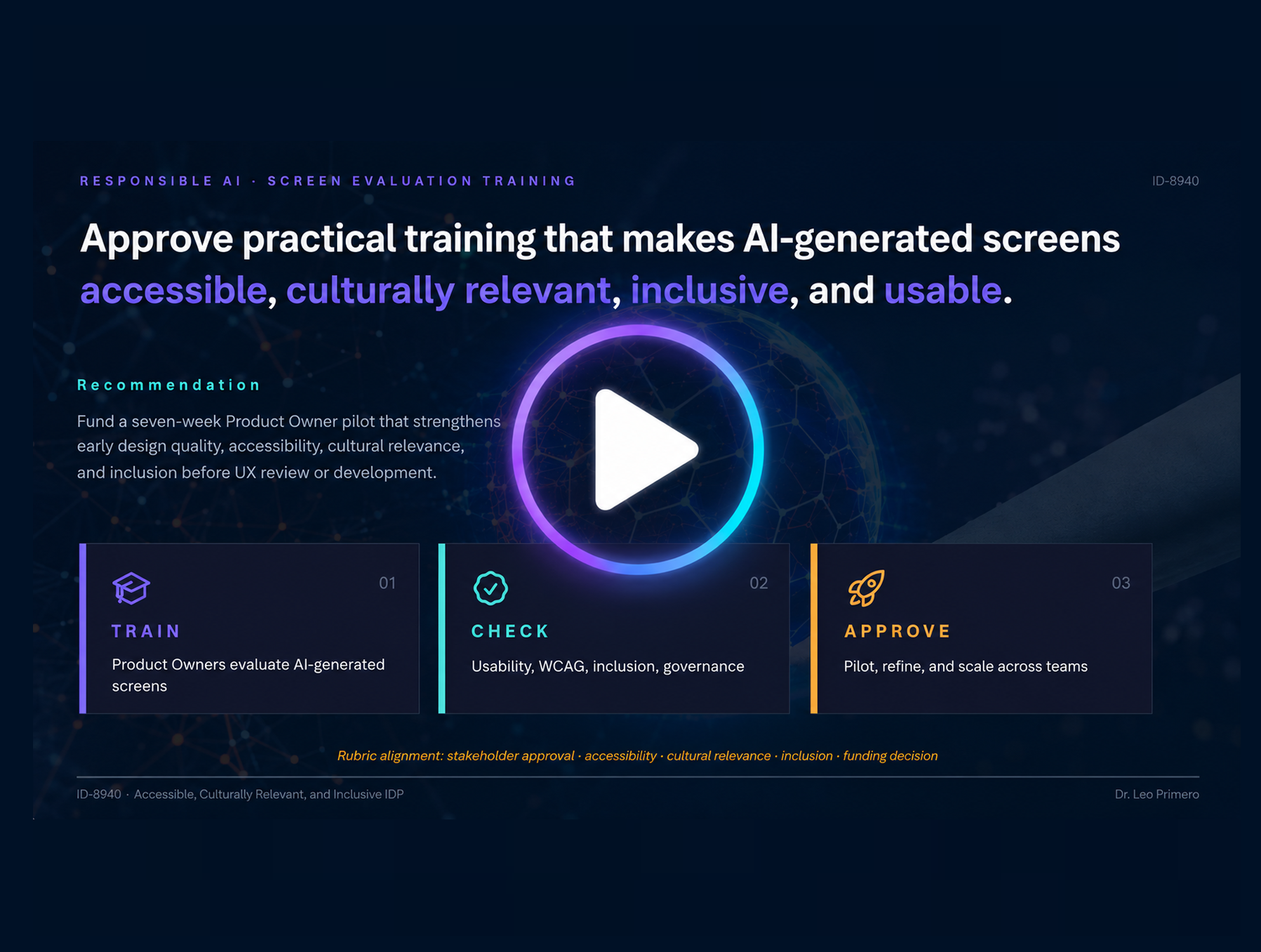
Preview of the Responsible AI Screen Evaluation stakeholder presentation.

ID-8940 · Accessible Design in Instructional Design

Responsible AI Screen Evaluation Presentation

Responsible AI · Accessibility · UX Evaluation · Governance

A stakeholder presentation proposing a structured pilot for evaluating AI-generated screen designs before UX review, connecting responsible AI practices with usability, accessibility, design quality, and human oversight.

What I learnedTranslating an instructional and design challenge into a clear stakeholder proposal connecting user needs, organizational risk, and responsible AI practices.
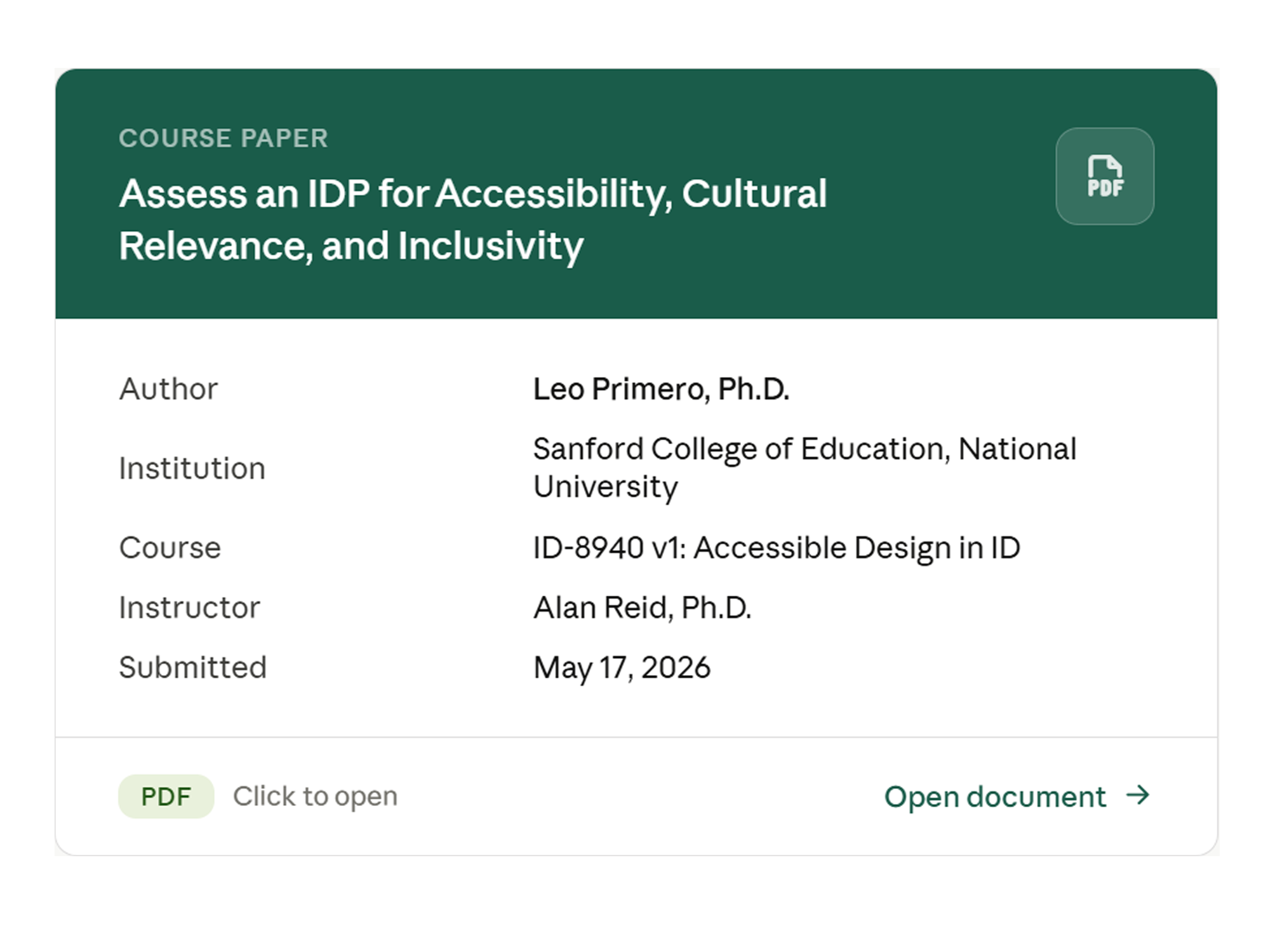
Preview of the Accessibility and Inclusion IDP Evaluation.

ID-8940 · Accessible Design in Instructional Design

Accessibility and Inclusion IDP Evaluation

Accessibility · Inclusive Design · UDL · Evaluation

An evaluation of a workplace Retail POS training plan for accessibility, cultural relevance, and inclusive design using WCAG 2.2, Universal Design for Learning, and Quality Matters to identify strengths, gaps, and practical improvements.

What I learnedAccessibility and inclusion are interconnected instructional-design responsibilities rather than separate compliance activities.
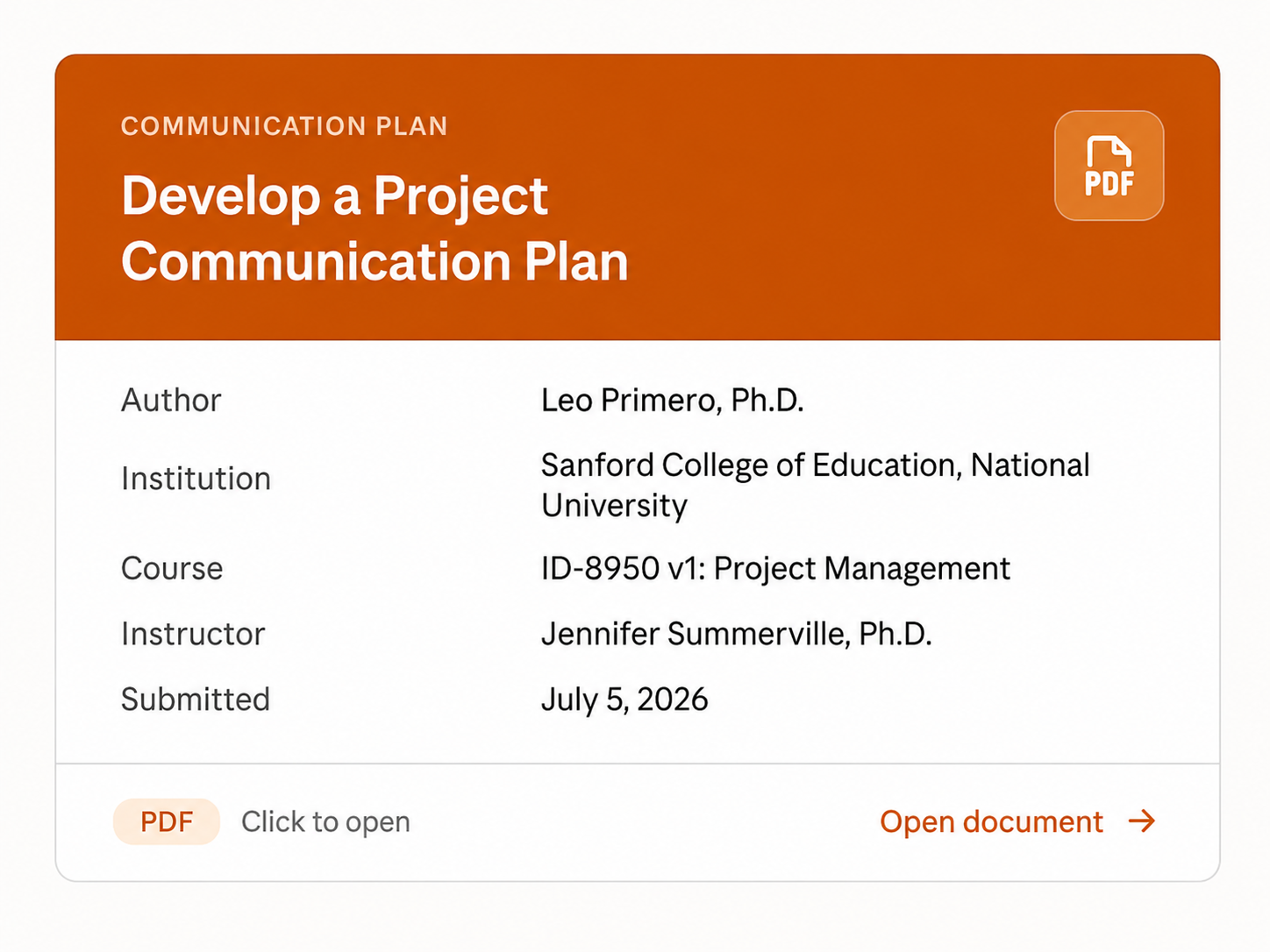
Preview of the Project Communication Plan for the Figma AI Workshop Series.

ID-8950 · Project Management for Instructional Design

Project Communication Plan

Project Management · Stakeholder Communication · Responsible AI

A stakeholder communication plan for a proposed Figma AI Workshop Series for UX and Product Teams, defining communication needs, frequency, ownership, delivery methods, decision points, and feedback mechanisms.

What I learnedCommunication is a project-management tool for alignment, accountability, informed decision-making, and timely feedback.
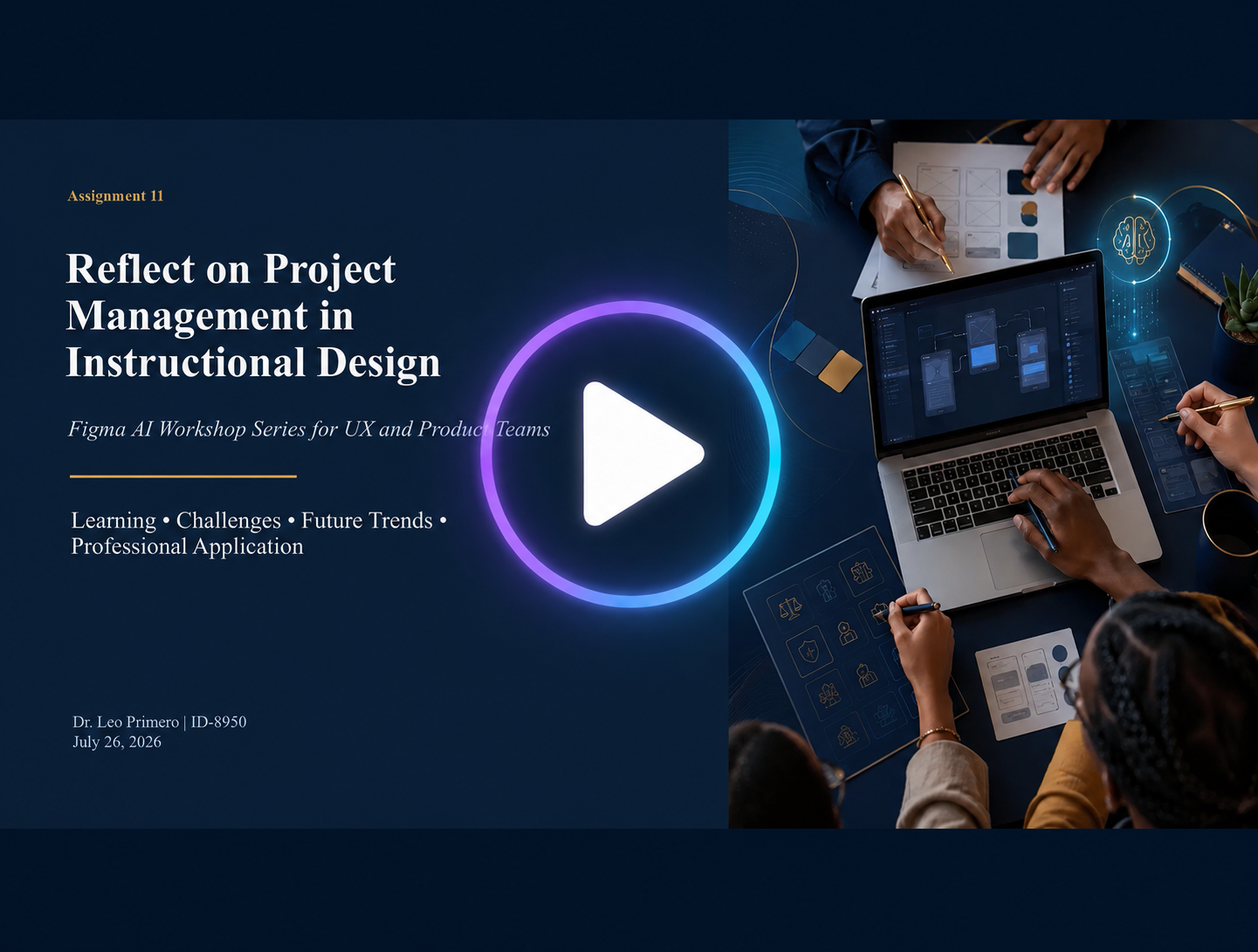
Preview of the narrated Reflection on Project Management in Instructional Design.

ID-8950 · Project Management for Instructional Design

Reflection on Project Management in Instructional Design

Reflective Practice · Project Leadership · Risk · Responsible AI

A narrated reflection examining how planning, risk management, quality, stakeholder communication, responsible AI, and project closure shape instructional-design projects.

What I learnedProject management is a leadership practice connecting people, priorities, decisions, risks, and learning outcomes.

Storyboard preview from the Instructional Design Decision Lab virtual reality learning simulation.

ID-8930 · Interactive Media Design

Virtual Reality Learning Simulation

Immersive Learning · Scenario-Based Learning · Decision-Making

A 10-frame Instructional Design Decision Lab that places learners in the role of an instructional designer solving a realistic workplace training challenge. Learners investigate project information and stakeholder needs, compare ADDIE, Dick and Carey, Kemp, and Agile Learning Design, justify a decision, receive instructional feedback, and compare their choice with alternative approaches.

Learner path

  • Analyze
  • Decide
  • Feedback
  • Compare
  • Reflect

What I learnedImmersive, scenario-based environments can support evidence analysis, decision-making, feedback, and reflection rather than simply presenting content.

Coursework as Applied Practice

These projects represent more than individual course assignments. Together, they show an evolving instructional-design practice grounded in human-centered design, accessibility, evidence, responsible technology, reflection, and application.

Explore My Capabilities

Capabilities

Connecting Learning, Experience, and Technology

My work draws from instructional design, UX/HCI, accessibility, multimedia, project leadership, and emerging technology. I use these capabilities together to understand complex problems and create experiences that support learning, decision-making, and performance.

Instructional & Learning Design

I design learning experiences around clear needs, meaningful objectives, applied practice, feedback, and performance.

Demonstrated through

UX/HCI & Human-Centered Design

I use human-centered methods to understand users, workflows, context, and constraints before defining a solution. My UX background also informs navigation, information hierarchy, interaction, usability, and cognitive demands.

Demonstrated through

Accessibility & Inclusive Design

I treat accessibility and inclusion as design responsibilities that begin during planning rather than checks performed only after development.

Demonstrated through

Multimedia & Performance Support

I use multimedia and task-focused resources when they help people understand procedures, perform work, or access information at the point of need. The medium follows the problem rather than the other way around.

Demonstrated through

Project & Product Leadership

I approach project management as the coordination of people, evidence, priorities, risks, communication, and decisions, not simply schedules and deliverables.

Demonstrated through

Responsible AI & Emerging Technology

I explore AI and emerging technologies as tools that can expand design possibilities while still requiring appropriate human judgment, validation, accessibility, and governance.

AI Assists. Humans Decide.

Demonstrated through

Principles That Guide My Work

  • Human-Centered

    Design around people, their goals, and their context.

  • Accessible & Inclusive

    Reduce barriers and account for learner and user variability from the beginning, not as an addition at the end.

  • Evidence-Informed

    Distinguish what is known, what needs validation, and what remains an assumption.

  • Context-Appropriate

    Choose methods and technologies because they fit the problem, not because they are available.

  • Responsible

    Keep human judgment, validation, and accountability central when using AI and emerging technologies.

  • Performance-Oriented

    Design for what people ultimately need to understand, decide, learn, or do.

See the Capabilities in Practice

Each capability above links to the projects that demonstrate it.

Contact

Let's Connect

Interested in UX, Instructional Design, or Human-Centered Learning?

I welcome opportunities to connect with professionals working across UX/HCI, instructional design, accessibility, product design, learning technology, and responsible AI.

If you would like to discuss my work, exchange ideas, or explore opportunities to collaborate, please feel free to reach out.

Designing for People. Learning. Performance.

I believe effective design begins with understanding people and ends with evidence that the experience supports what they need to understand, learn, decide, or do.

Back to top

Case Study 01 · Professional Work

Facets UX Style Guide

Design Systems · UX Governance · Accessibility · Performance Support

A shared UX design system created to help Design and Engineering build more consistent, accessible, and reusable Facets experiences.

Role
UX/UI Design Manager · Co-Creator
Audience
UX Designers · Engineers · Product Teams
Focus
Design Systems · UX Governance · Accessibility · Performance Support
Deliverable
Interactive HTML UX Style Guide

The Need

Facets teams work across complex healthcare applications, workflows, and technologies. A shared UX reference was needed to make design guidance easier to find and reuse while improving consistency between design and implementation.

My Role

I co-created and evolved the Facets UX Style Guide as a shared resource for UX and Engineering, helping organize design guidance into reusable components, patterns, standards, and implementation references.

What I Created

  • Standard and optimized Facets patterns
  • TPA-specific UX guidance
  • Thin Client guidance
  • Generative AI UI guidance
  • Accessibility standards and examples
  • Reusable components and interaction patterns
  • Implementation references

Approach

  1. Need
  2. Structure
  3. Guidance
  4. Review
  5. Maintenance

Rather than documenting individual screens in isolation, the guide organizes reusable design knowledge so teams can reference established components and patterns when designing and developing product experiences.

What This Demonstrates

  • Design Systems · Organizing reusable components, patterns, and standards.
  • UX Governance · Establishing shared guidance that supports experience consistency.
  • Accessibility · Incorporating accessibility guidance into the design reference.
  • Performance Support · Providing information at the point designers and developers need it.
  • Cross-Functional Collaboration · Connecting UX guidance with product and engineering implementation.

Evidence & Limitations

The interactive style guide and its component and pattern library provide direct evidence of the work. Because the guide originates from an enterprise product environment, only materials appropriate for external viewing are shown, and confidential customer, business, and implementation information is excluded.

Explore the Facets UX Style Guide (opens in new tab)

Case Study 02 · Professional Work

Facets Video Tutorial Initiative

Multimedia Learning · Software Training · Performance Support

A video-based learning and performance-support experience designed to make complex Facets workflows easier to learn at the point of need.

Role
UX / Instructional Design Contributor
Audience
Facets users learning application workflows
Focus
Multimedia Learning · Software Training · Performance Support · UX
Deliverables
Video Tutorials · Tutorial Interface · Supporting Learning Materials

The Need

Complex application workflows can be difficult to learn from documentation alone. The tutorial experience provides users with focused demonstrations connected directly to recognizable tasks and application contexts.

My Role

I contributed to the design of a video-based instructional experience combining task-focused tutorials, realistic Facets interfaces, and supporting learning resources.

What I Created

  • Short video demonstrations
  • Realistic product context
  • Supporting documents
  • Task-based navigation
  • Focused workflow instruction
  • Examples: Creating a Record, Creating a UM Program, Creating a Rule Set

Learning Approach

  1. Identify Task
  2. Demonstrate Workflow
  3. Provide Visual Context
  4. Support Practice
  5. Provide Reference Material

What This Demonstrates

  • Instructional Design · Converting technical procedures into focused learning experiences.
  • Multimedia Learning · Coordinating video, interface visuals, instructional text, and resources.
  • Performance Support · Providing task-specific instruction close to the point of need.
  • Software Training · Translating application workflows into understandable demonstrations.
  • UX/HCI · Connecting instruction to the interface and workflow in which users perform the task.

Evidence & Limitations

The tutorial package provides evidence through tutorial pages, embedded video, supporting-document access, and simulated Facets workflows. It is presented as a design artifact; no claims are made about proficiency gains or reduced training time, which would require evaluation evidence.

Explore the Facets Video Tutorial Experience (opens in new tab)

Case Study 03 · Professional Work

UCD Boot Camp Course

Learning Experience Design · UX Education · Applied Practice

A six-week professional learning experience designed to build practical User-Centered Design knowledge through instruction, assignments, feedback, and applied UX activities.

Role
Course Designer · Instructor/Facilitator
Audience
Professionals interested in UCD and professionals working with UX teams
Duration
Six Weeks
Focus
Instructional Design · UX/HCI · Applied Learning · Facilitation
Deliverables
Weekly Lessons · Applied Assignments · Learning Resources · Feedback

The Need

Professionals working alongside UX teams may participate in product and design decisions without formal UX training. The UCD Boot Camp provides foundational knowledge and practical exposure to the methods used during the UCD process.

My Role

I designed and facilitated the six-week learning experience, organizing UCD concepts into a progressive sequence of lessons and applied assignments.

Learning Journey · Weeks 1–6

  1. UCD Foundations
  2. Design Thinking
  3. Heuristic Evaluation
  4. Usability Testing
  5. Applied Testing
  6. Prototyping

Learning Approach

  1. Learn
  2. Apply
  3. Produce
  4. Receive Feedback
  5. Build on Prior Work
  • Personas and user research
  • Task and workflow analysis
  • Design thinking and ideation
  • Wireframing and prototyping
  • Heuristic evaluation
  • Think Aloud usability testing
  • Observation and note-taking
  • UX findings and reporting

What This Demonstrates

  • Instructional Design · Translating a professional discipline into structured learning.
  • Curriculum Design · Sequencing six weeks of progressively applied learning.
  • Authentic Learning · Asking participants to perform activities modeled on real UX practice.
  • UX/HCI Expertise · Teaching research, design, evaluation, testing, and prototyping.
  • Facilitation · Supporting learners and providing feedback throughout the experience.

Evidence & Limitations

The course documentation and six lesson decks provide direct evidence of the curriculum, learning objectives, instructional content, and learning sequence. Participant-performance and organizational-impact outcomes are not claimed here without supporting evaluation evidence.

Explore Sample Course Materials (PDF, opens in new tab)

ID-8940 · Accessible Design in Instructional Design

Responsible AI Screen Evaluation Presentation

Responsible AI · Accessibility · UX Evaluation · Governance

Overview

Developed a stakeholder presentation proposing a structured pilot for evaluating AI-generated screen designs before UX review. The proposal connects responsible AI with usability, accessibility, governance, design quality, and human oversight.

Preview of the Responsible AI Screen Evaluation stakeholder presentation.
Artifact preview · Responsible AI Screen Evaluation Presentation

Design Challenge

AI-assisted design can accelerate exploration, but generated output still requires structured human evaluation. The challenge was to frame an approach that could help stakeholders assess generated screens before they advance further in the UX process.

What I Created

A stakeholder-facing presentation proposing an evaluation pilot and explaining how responsible AI practices can be incorporated into an existing design-review process.

Approach

  1. AI-Generated Output
  2. Structured Evaluation
  3. Human Review
  4. Informed Decision

What I Learned

Strengthened my ability to translate an instructional and design challenge into a stakeholder proposal connecting user needs, organizational risk, and responsible AI practices.

Value

Shows how instructional design can contribute to responsible AI-assisted product decisions through structured evaluation and human oversight.

What This Demonstrates

  • Responsible AI
  • Accessibility
  • UX Evaluation
  • Governance
  • Stakeholder Communication
Watch Presentation

ID-8940 · Accessible Design in Instructional Design

Accessibility and Inclusion IDP Evaluation

Accessibility · Inclusive Design · UDL · Evaluation

Overview

Evaluated a Retail POS workplace training plan for accessibility, cultural relevance, and inclusive practices using WCAG 2.2, UDL, and Quality Matters as evaluation frameworks. The evaluation considered captions and transcripts, keyboard accessibility, assistive-technology support, culturally varied scenarios, flexible assessment, scaffolding, and formative feedback.

Preview of the Accessibility and Inclusion IDP Evaluation.
Artifact preview · Accessibility and Inclusion IDP Evaluation

Design Challenge

The training incorporated varied instructional methods and inclusive customer-service content, but accessibility requirements, cultural representation, and inclusive learner support were not consistently documented.

What I Created

A structured evaluation identifying existing strengths, gaps, and recommendations across accessibility, cultural relevance, and inclusive practice.

Approach

  1. Evaluate
  2. Identify Strengths
  3. Identify Barriers
  4. Recommend Improvements

What I Learned

Strengthened my understanding of accessibility and inclusion as interconnected design responsibilities rather than separate compliance activities.

Value

Demonstrates my ability to identify barriers affecting diverse learners and translate evaluation findings into actionable instructional-design recommendations.

What This Demonstrates

  • Accessibility Evaluation
  • Inclusive ID
  • UDL
  • WCAG 2.2
  • Evidence-Based Recommendations
Read Evaluation

ID-8950 · Project Management for Instructional Design

Project Communication Plan

Project Management · Stakeholder Communication · Responsible AI

Overview

Developed a communication plan for a proposed Figma AI Workshop Series for UX and Product Teams, connecting stakeholders, communication needs, frequency, ownership, delivery methods, feedback, and project milestones across sponsors, instructional design, UX/Product SMEs, multimedia development, technical support, pilot participants, and evaluation.

Preview of the Project Communication Plan for the Figma AI Workshop Series.
Artifact preview · Project Communication Plan

Design Challenge

An instructional project involving sponsors, designers, SMEs, technical contributors, learners, and evaluators requires different information at different times. Communication therefore needed to be planned as part of project execution rather than treated as an administrative afterthought.

What I Created

A stakeholder communication map supported by communication goals, methods and tools, information-distribution guidance, feedback mechanisms, and a seven-week timeline.

Approach

  1. Stakeholder
  2. Information Need
  3. Owner
  4. Method
  5. Frequency
  6. Feedback / Decision

What I Learned

Strengthened my understanding of communication as a project-management tool for alignment, accountability, informed decisions, and timely feedback.

Value

Demonstrates my ability to connect people, responsibilities, information, feedback, and decisions across an instructional-design project.

What This Demonstrates

  • Project Management
  • Stakeholder Engagement
  • Communication Planning
  • Cross-Functional Coordination
Read Communication Plan

ID-8950 · Project Management for Instructional Design

Reflection on Project Management in Instructional Design

Reflective Practice · Leadership · Risk · Responsible AI

Overview

Created a narrated reflection examining planning, risk, quality, communication, responsible AI, project closure, and the role of human judgment in instructional-design project management.

Preview of the narrated Reflection on Project Management in Instructional Design.
Artifact preview · Reflection on Project Management in Instructional Design

Design Challenge

How do instructional-design project managers balance people, quality, constraints, risk, and emerging technology while keeping learning outcomes at the center?

What I Created

A narrated presentation synthesizing lessons from project-management study and connecting them to my broader human-centered approach to instructional design and leadership.

Approach

  1. Plan
  2. Communicate
  3. Manage Risk
  4. Protect Quality
  5. Adapt
  6. Reflect

What I Learned

Reframed project management as a leadership practice connecting people, priorities, decisions, risks, and learning outcomes.

Value

Demonstrates my ability to reflect critically on project decisions and apply adaptable, human-centered judgment to instructional-design leadership.

What This Demonstrates

  • Reflective Practice
  • ID Leadership
  • Risk Management
  • Stakeholder Communication
  • Responsible AI
Watch Reflection

ID-8930 · Interactive Media Design

Virtual Reality Learning Simulation: Instructional Design Decision Lab

Immersive Learning · Scenario-Based Learning · Decision-Making

Overview

Designed a 10-frame VR learning simulation in which learners assume the role of an instructional designer responding to a realistic workplace training challenge.

Storyboard preview from the Instructional Design Decision Lab virtual reality learning simulation.
Artifact preview · Instructional Design Decision Lab storyboard

Design Challenge

Rather than asking learners simply to recall instructional-design models, the experience asks them to determine which approach fits a particular context and why. Learners investigate learner characteristics, timelines, remote delivery, accessibility requirements, and stakeholder needs.

What I Created

An immersive scenario in which learners enter the environment, gather evidence, hear stakeholders, analyze constraints, compare ID approaches (ADDIE, Dick and Carey, Kemp, Agile Learning Design), make a decision, explain reasoning, receive feedback, compare alternatives, and reflect.

Approach

  1. Analyze
  2. Decide
  3. Receive Feedback
  4. Compare
  5. Reflect

What I Learned

Explored how immersive environments can move learning from knowing about instructional-design models toward practicing contextual professional judgment.

Value

Shows how VR can create authentic, low-risk opportunities to practice complex professional decisions before applying them in real situations.

What This Demonstrates

  • Immersive Learning
  • Scenario-Based Design
  • Storyboarding
  • Decision-Making
  • Instructional Design
View Simulation Storyboard